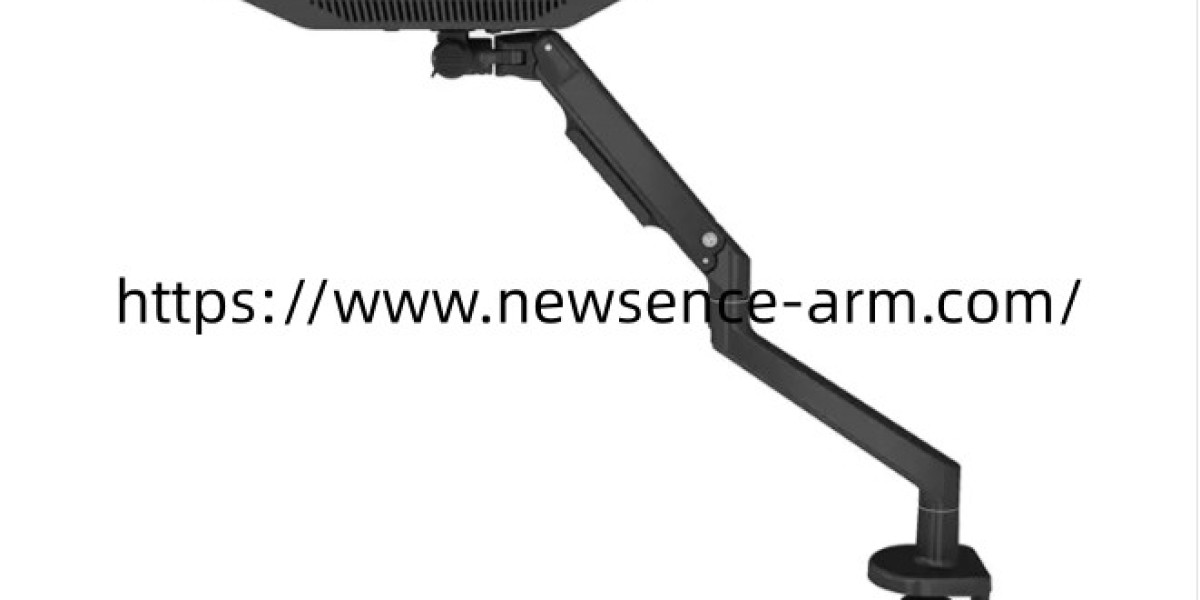

In modern healthcare facilities, effective equipment placement can improve workspace organization and support changing clinical workflows. When evaluating a Ceiling Mount Medical Monitor Arm , hospitals and medical equipment distributors should consider ceiling structure, monitor configuration, adjustment range, and installation access. Choosing a suitable Ceiling Mount Medical Monitor Arm can help free up floor and wall space, accommodate multiple displays, and create a more adaptable environment for imaging rooms, treatment areas, and specialized medical workstations.
Make Better Use of Overhead Space
Medical rooms often contain examination beds, mobile carts, diagnostic equipment, and storage units that compete for limited space. Ceiling-mounted monitor systems offer another way to position screens without relying on desks or occupying wall areas needed for other equipment.
This arrangement can be useful in rooms where staff need access from several directions. Suspending monitors overhead may help keep work surfaces clear and reduce conflicts between display stands and mobile equipment. However, the final layout should account for ceiling height, room dimensions, equipment movement, and the positions of clinicians and patients.
Before selecting a mounting system, facility planners should map the main working zones and identify where screens need to be visible. They should also check whether the proposed installation could interfere with lighting fixtures, ventilation systems, ceiling tracks, or other overhead infrastructure.
Select a Suitable Multi-Monitor Configuration
Some clinical workflows require more than one display. Staff may need to view different information sources at the same time, making monitor arrangement an important part of workstation planning.
A dual-monitor arm can provide a coordinated mounting arrangement when both displays are compatible with the system. Buyers should verify each monitor's dimensions, weight, mounting interface, and cable connections before ordering. The combined configuration must remain within the mounting system's specified load limits.
Screen orientation also deserves attention. Side-by-side displays may suit certain information-review tasks, while other rooms may require different viewing angles or positioning arrangements. Procurement teams should assess the actual workflow rather than assume that every multi-monitor setup needs the same configuration.
Reviewing product drawings and installation guidance can help buyers understand the available adjustment range and determine whether screens can be positioned appropriately without obstructing nearby equipment or staff movement.
Check Ceiling Structure and Installation Conditions
Ceiling installation requires careful technical planning. The supporting structure must be suitable for the intended load, and mounting hardware must match the approved installation method. A suspended ceiling panel alone should not be assumed to provide adequate support for medical equipment.
Facilities should consult qualified installers and relevant building professionals to confirm structural suitability, fixing locations, and any additional reinforcement requirements. Installation planning should also account for maintenance access and the need to inspect mounting components over time.
Cable routing is another essential consideration. Power and signal cables should follow an organized path that accommodates permitted monitor movement without excessive tension or interference. The layout should avoid entanglement with other equipment and preserve access to relevant ceiling services.
Coordinating these requirements early can help reduce installation changes and make the finished workspace easier to manage.
Evaluate Daily Operation With Newsence-Arm
A monitor mounting system should fit the practical demands of the room where it will be used. Buyers can compare adjustment mechanisms, construction materials, supported monitor configurations, and cable management features to understand how each option aligns with their requirements.
Routine operation is worth considering before a purchase. Staff may need to reposition displays during different procedures or adjust viewing angles as working conditions change. The appropriate movement range depends on the product design and the intended clinical environment, so buyers should confirm the available functions through official product documentation.
Maintenance requirements should also be reviewed. Facilities should understand how to inspect mounting connections, follow manufacturer-approved cleaning instructions, and arrange servicing when necessary. These considerations help teams plan for ongoing equipment management rather than focusing exclusively on initial installation.
Plan for Long-Term Clinical Flexibility
Healthcare spaces can change as equipment, procedures, and workflow requirements evolve. A ceiling-mounted display solution should therefore be assessed not only for its immediate use but also for its suitability within the broader room design.
Purchasing teams can prepare a checklist covering monitor specifications, ceiling conditions, installation constraints, cable access, adjustment needs, and maintenance arrangements. Using consistent criteria makes it easier to compare products and communicate requirements with suppliers.
For medical equipment distributors and healthcare project planners, reviewing product information before finalizing a configuration can prevent compatibility issues and support more informed purchasing decisions. Visit https://www.newsence-arm.com/ to explore available monitor mounting solutions and contact the supplier to confirm technical specifications, installation requirements, and supported display arrangements.